
  1. Tags/

Speaking

2023

Embedding Draw.io Diagrams in VSCode

·942 words·5 mins
If you’re like me, you love discovering new ways to boost your productivity and workflows. One of my favorite tools is Draw.io. I’ve used the desktop tool and the site, but I found a new integration that has significantly elevated my VSCode experience: the Draw.io Integration extension.

2022

Presenting Best Practices - Part 1

·940 words·5 mins
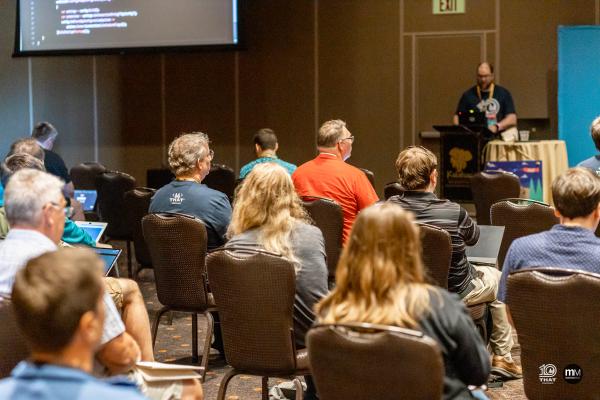
Presenting and speaking are skills that require practice to hone. I was a consultant for many years presenting to clients and customers of all levels and sizes. In addition, I started speaking and presenting at meetups, user groups, and conferences. Over the years, I practiced, I read, and I gave a lot of presentations. I’d like to share some of the learnings and best practices I’ve found in that time. I plan multiple posts, starting with Preparation. I’ll have more on slide design, and presentation tips.

2019

Presenting with VS Code - Screencast mode

·243 words·2 mins
I have been starting to speak and present a lot more, and was looking into great tools like Carnac and KeyPosé. But I just found out today about a feature I didn’t know existed inside Visual Studio Code, Screencast mode. This was introduced in January 2019. How did I miss it? To enable and use Screencast mode, Open the command palette, Ctrl + Shift + P. When first enabled, Screencast Mode is not what I wanted. It shows EVERY keypress. It also shows a little higher on the screen that I prefer. It also puts a little red circle everywhere I click the mouse, which is nice. Let’s configure it and see if we can clean up some of that. Open the command palette again (Ctrl + Shift + P) and go to the user settings.