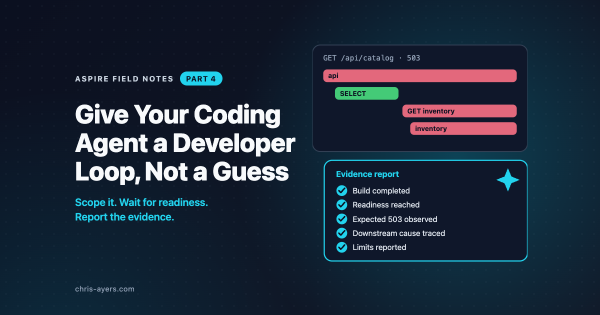
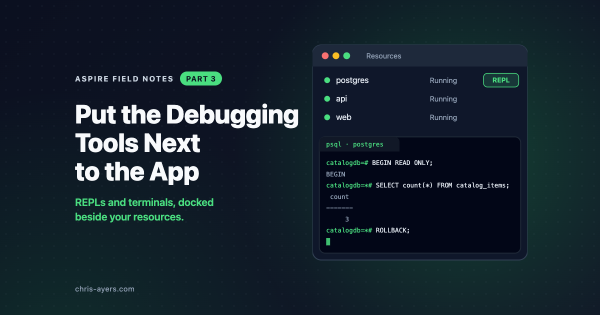
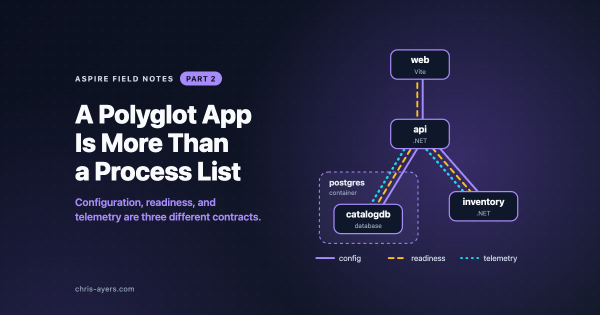
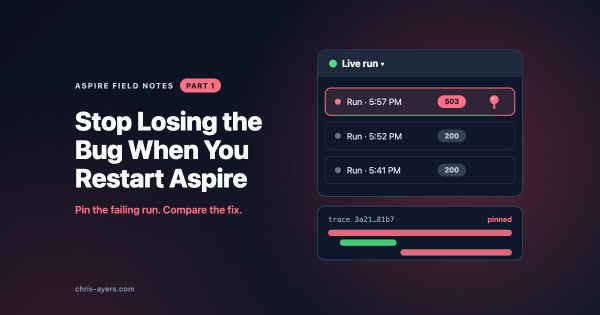
An application can start cleanly and still fail its first useful request. This series follows a catalog lookup through that gap: reproducing a 503, keeping the trace, investigating the dependency, and checking the same path after a change.
Aspire Field Notes uses Aspire 13.6 and one small catalog app throughout. The posts explain what to look for; the companion walkthroughs provide setup and commands.
The reading path
#More parts are coming soon.
The application behind the examples
#The code lives in the aspire-field-notes collection in blog-samples. The catalog has a Vite frontend named web, a catalog API named api, PostgreSQL’s catalogdb, and a separate inventory service.
A development-only inventory fault makes /api/catalog return a 503 while resource health remains green. The /api/state endpoints let us save a note through DATA_PATH and read it after a restart. Both are local teaching examples.
Part three also has an independent Node terminal AppHost. Part six publishes Docker Compose files for review without building images or deploying. Express, Sandboxes, and the other cloud targets are comparisons with their documentation.
Companion walkthroughs
#Start with the collection README for prerequisites, the clone command, and the one-time database secret. The current companion baseline is Aspire CLI, AppHost SDK, and stable integrations 13.6.4. The README also shows how to update both sample AppHosts with aspire update; upgrading the installed CLI does not change project package references.
Use Load catalog on web in the dashboard, or aspire resource web load-catalog, to make the request and get its status and trace ID. The other helpers check state after a restart, fresh terminal output, and generated Compose routing and storage. None requires installing agent guidance.
The official Node.js weather-map sample is an additional example of a frontend, instrumented API, and external dependency under a TypeScript AppHost. The Java and Rust sections explain optional preview integrations; those languages are not required to run the catalog companion.
Aspire 13.6.4 is the current patch baseline. It improves resource-creation timeout recovery, fixes TypeScript publishing with parameterized Azure enum properties, and restricts CLI diagnostic logs to owner-only permissions on Unix. The earlier 13.6.2 and 13.6.3 patches include a MessagePack security update and resource-watch reliability fixes. The posts identify preview packages and experimental APIs as they come up. The companion keeps stable AddProject resources; there’s no Project V2 migration or Azure deployment to perform.
What this builds on
#My earlier CLI introduction and deployment article cover the original command-oriented journey. The MCP article and skills, plugins, and marketplace guide explain the agent-tooling background.
Those articles reflect their publication versions. This series uses the 13.6 documentation for current commands and behavior, particularly the move to skills-first agent setup with optional MCP.
Sources worth exploring
#