I’ve got a template straight from Microsoft. I want this wired into a CI/CD pipeline to I can play around and get quick feedback. I’m going to use Azure DevOps to help make all this possible. Let’s get those templates into a repository to get started. New repository, initialize it, add new files.
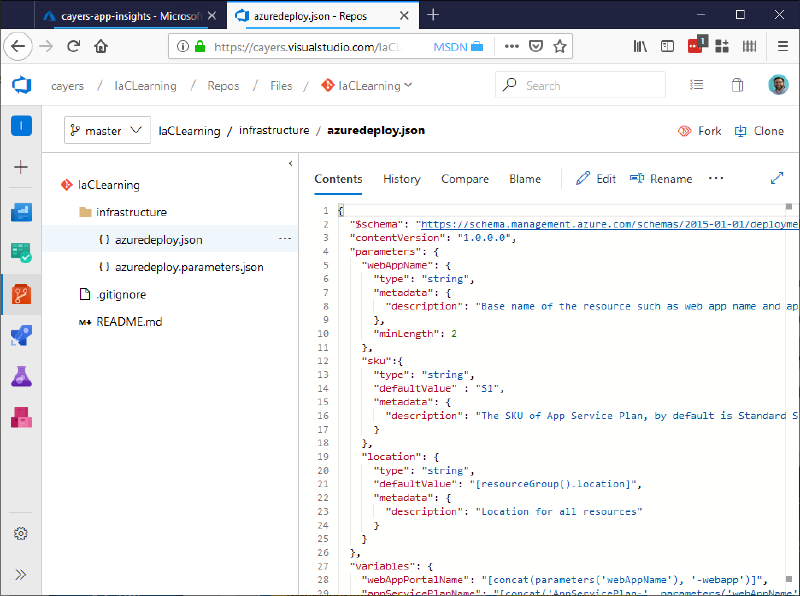
Next, I’m going to create a new resource group to play around with my web app resources.
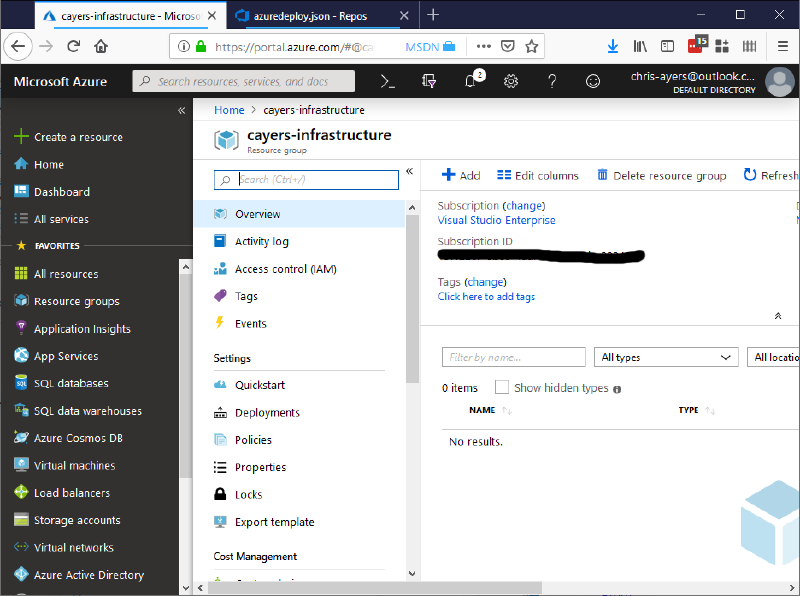
Now we need to make sure DevOps has permission to create and update resources in Azure. This can be done in a few different ways as described here: https://docs.microsoft.com/en-us/azure/devops/pipelines/library/connect-to-azure?view=azure-devops.
I’m going to setup a service connection from DevOps to Azure. In Azure Devops, I’m going to go to my project settings:
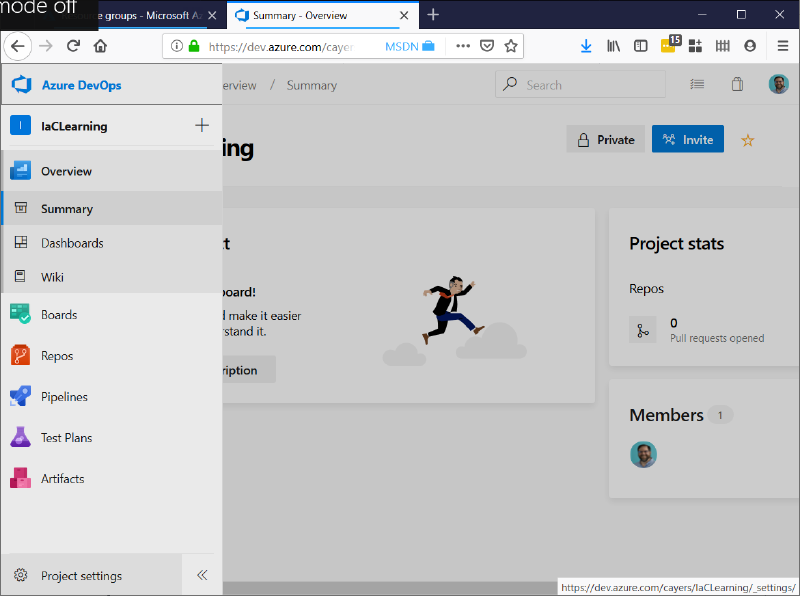
And go to Service Connections:
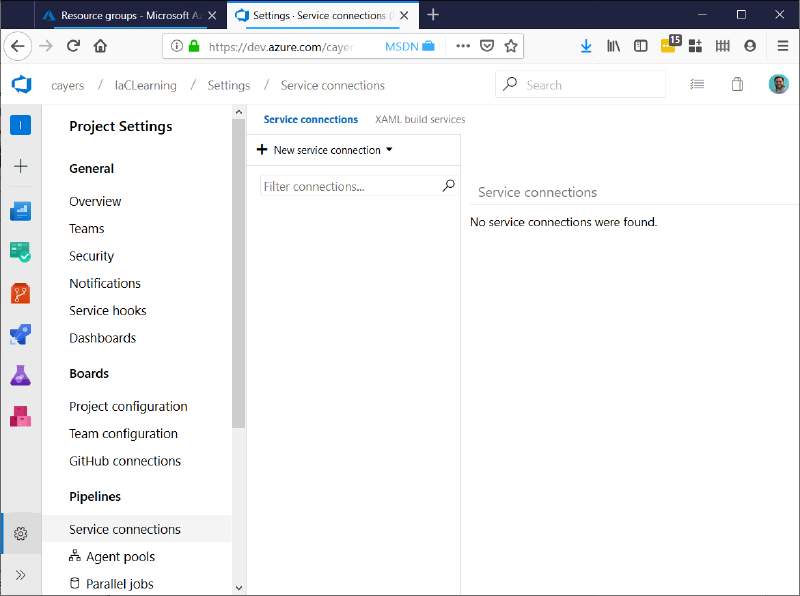
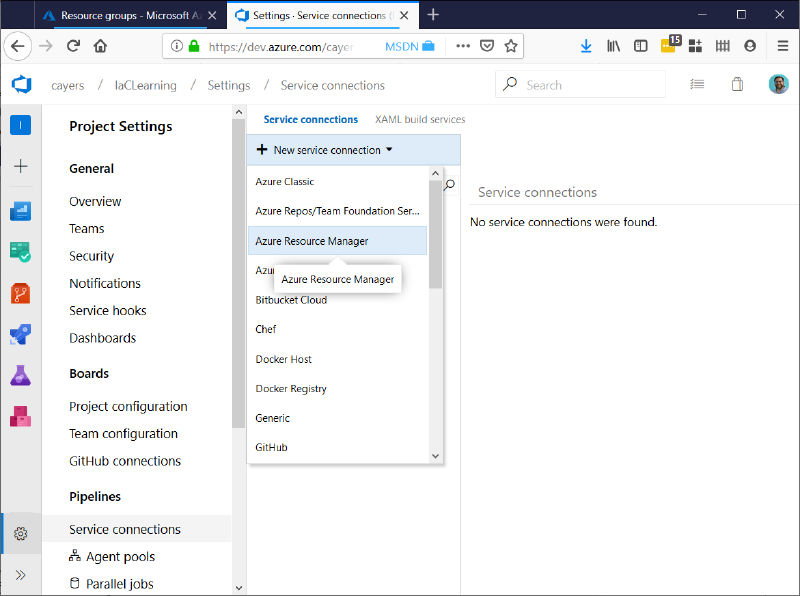
We’ll create a new Azure Resource Manager service connection.
We just need to pick the right Subscription, Sign in, and point it at our resource group. There are more complex setups, and we’ll get into those in the future, but for now we’ll just point it at that resource group I created earlier. Now for this to work properly, you have to be able to grant rights to the connector.
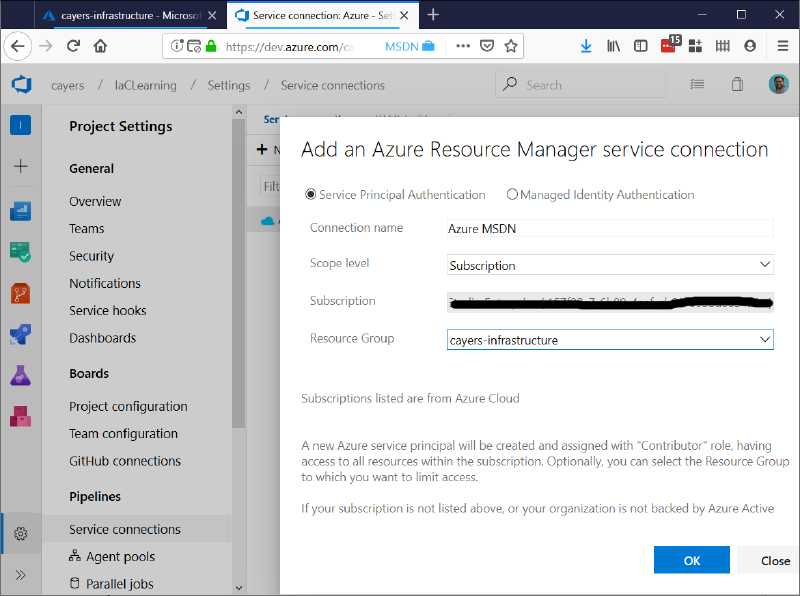
Now we’ve got a connector to deploy to Azure. We’ll finish this up next time.